- 1
Send the invite
An editor or admin mints a resident portal invite from the resident's record. It arrives as a one-time signup link by email — no separate account setup on your end.
- 2
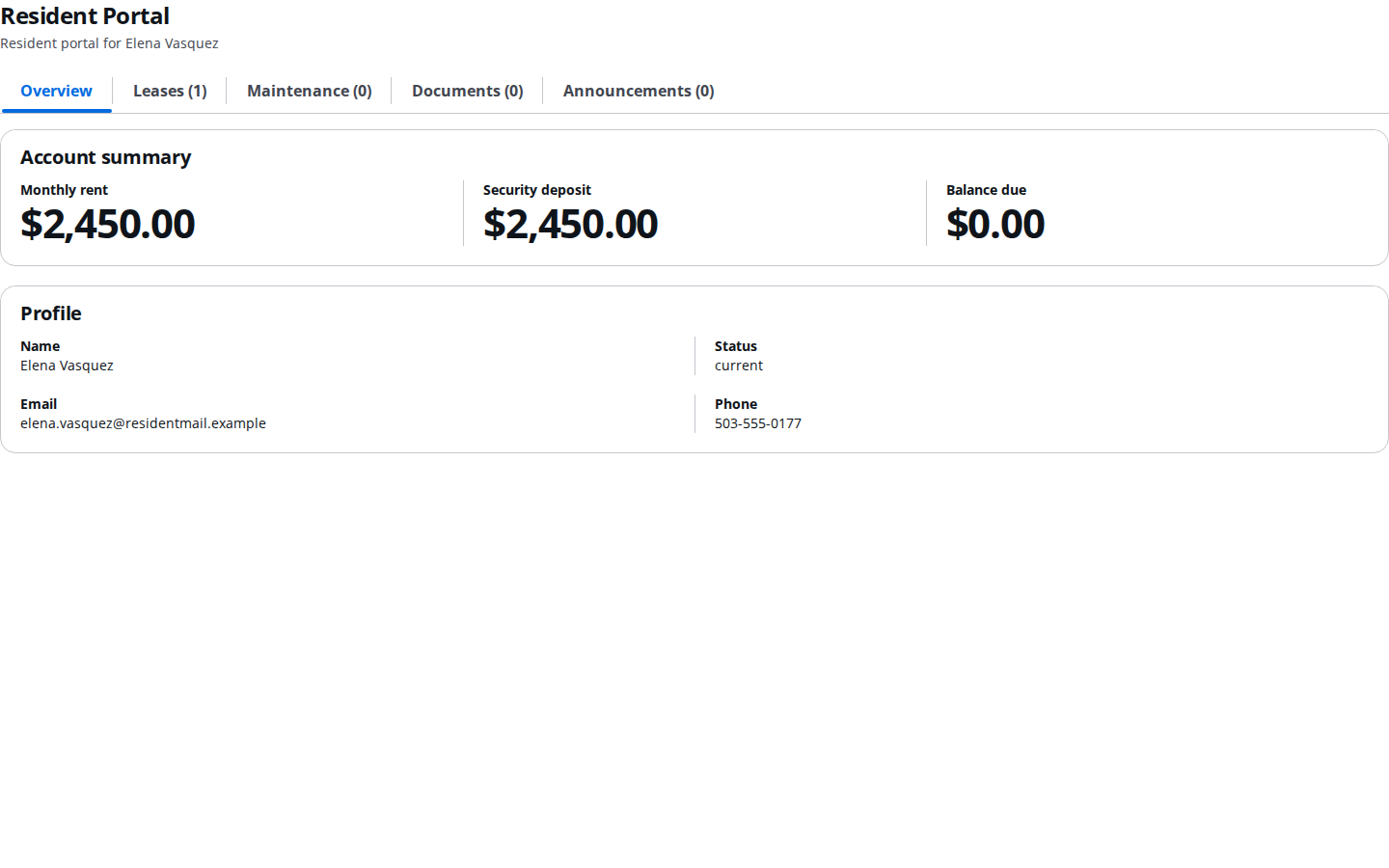
The resident lands on their portal home
After signing up, the resident sees their lease, account balance, maintenance requests, documents, and announcements — and nothing from the rest of your organization.
Pro tip
The resident portal is entirely self-serve after the first invite — residents can log back in any time without you re-sending a link.