app.portfoliodesk.io/maintenance-tickets
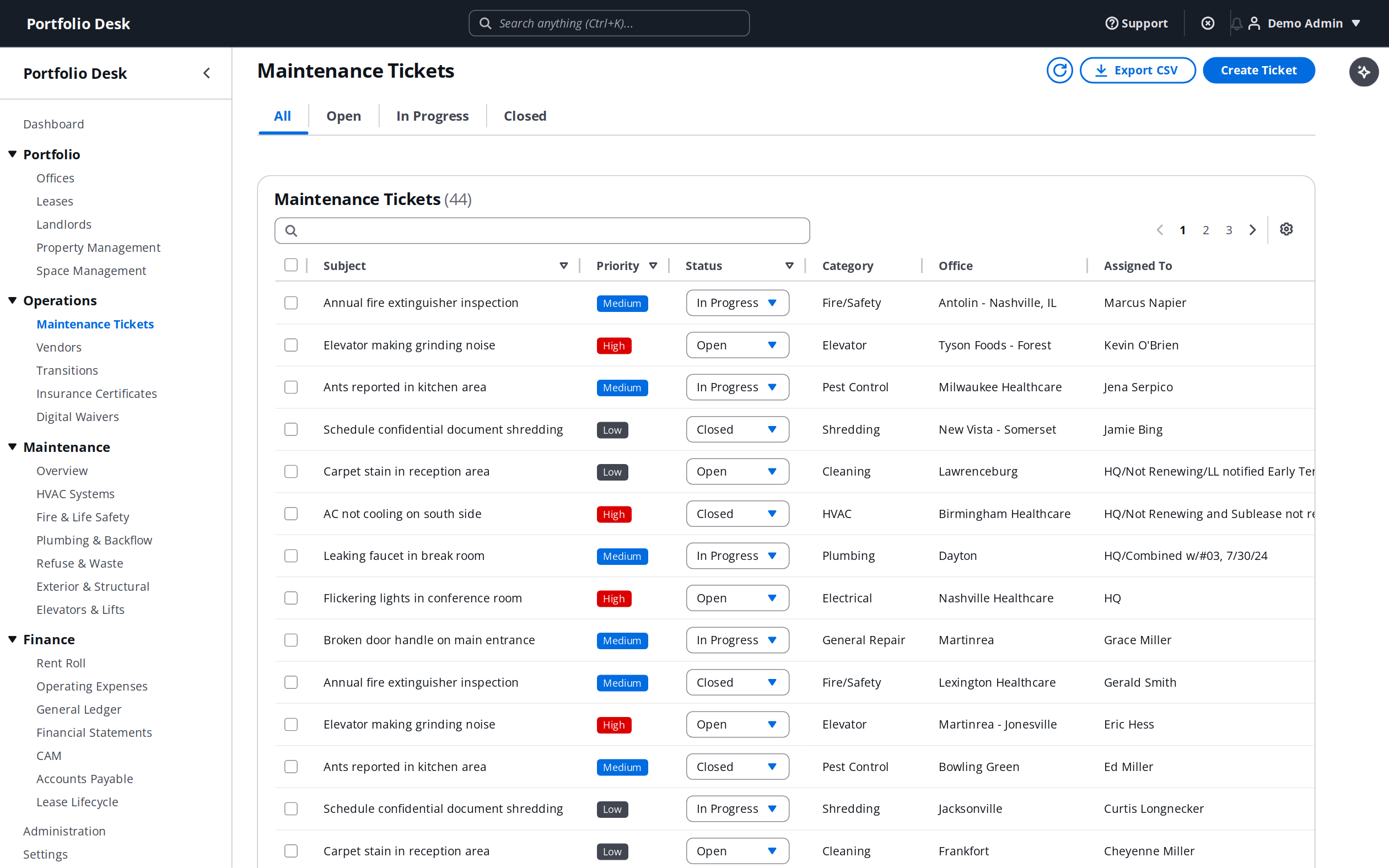
- 1
Submit a ticket
Create a ticket against an office, set a priority, and attach photos. The SLA timer starts automatically based on the priority and your rules.
- 2
Assign a vendor
Pick a vendor from your directory. They are notified by email, and — with the vendor portal — can update status, complete work, and upload invoices.
- 3
Track to resolution
Watch the SLA countdown, add notes, and escalate if it stalls. Everyone sees the same single source of truth.
- 4
Close and review
Mark the ticket resolved. It rolls into your SLA compliance metrics and stays in the audit log for good.
Pro tip
Configure escalation rules so a near-breach SLA automatically emails the responsible manager before the deadline passes.