- 1
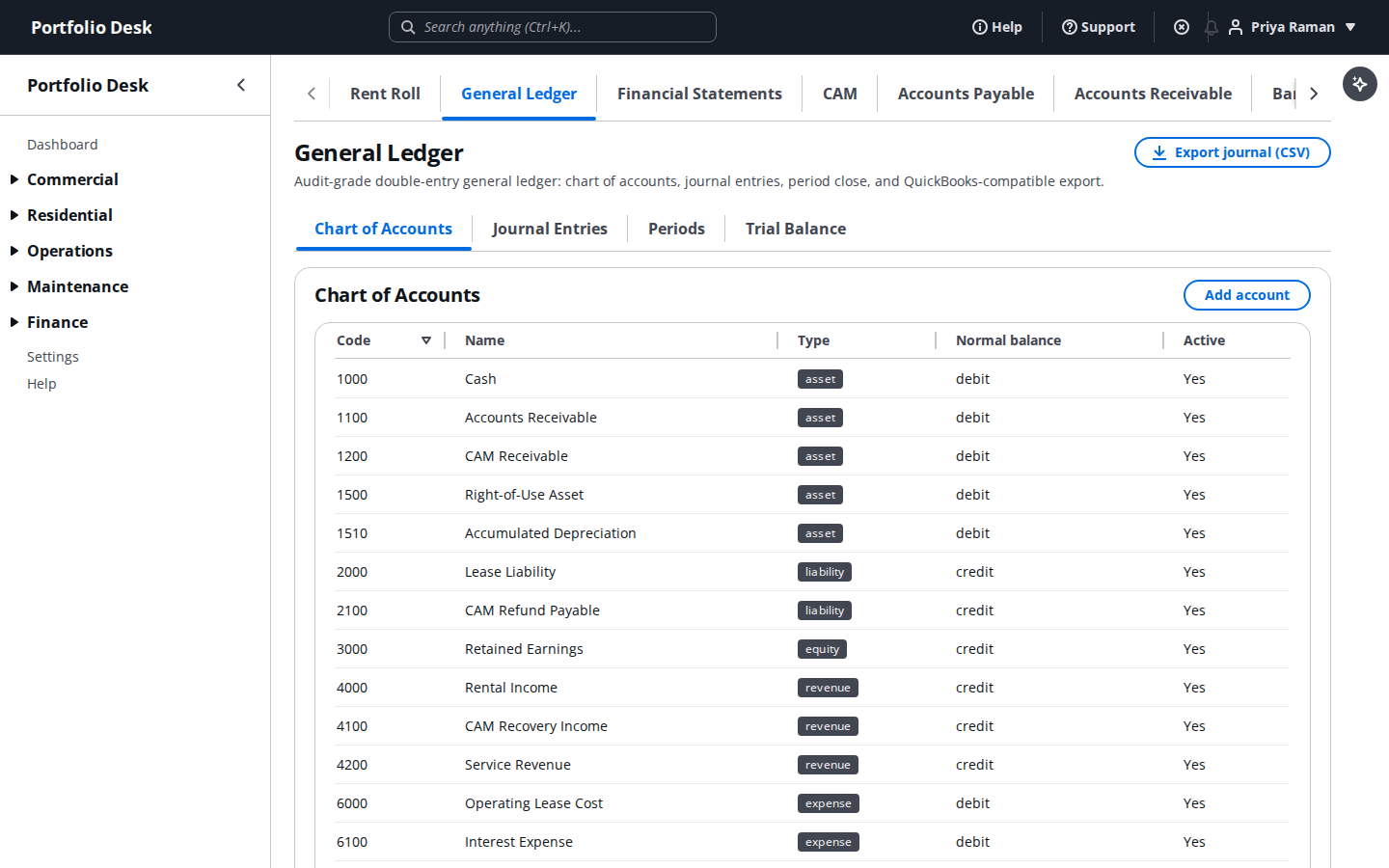
Post to the general ledger
Review the chart of accounts and journal entries, and post manual entries when you need to.
- 2
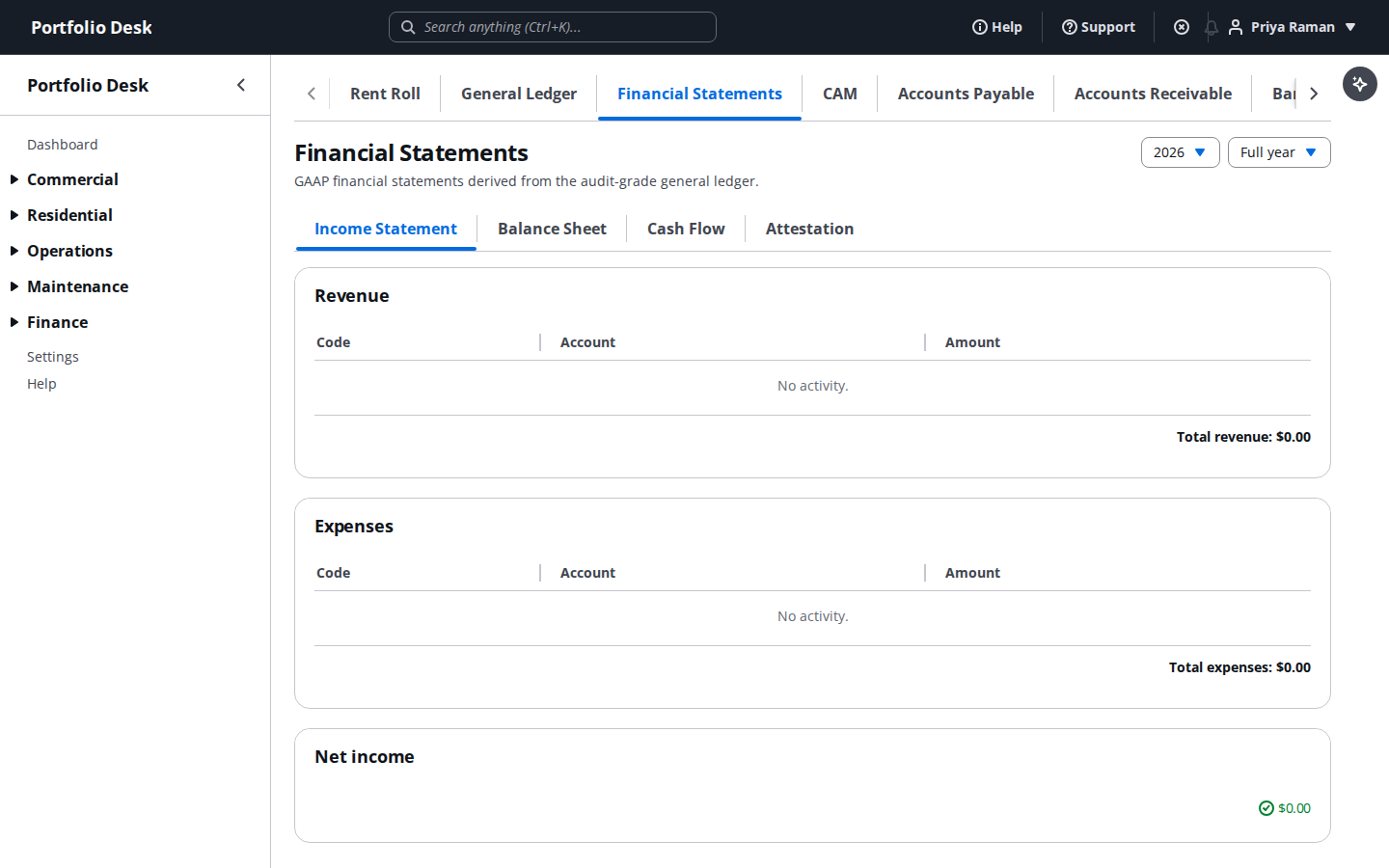
Read the financial statements
Pull income statements and balance sheets straight from posted GL activity, ready to share.
- 3
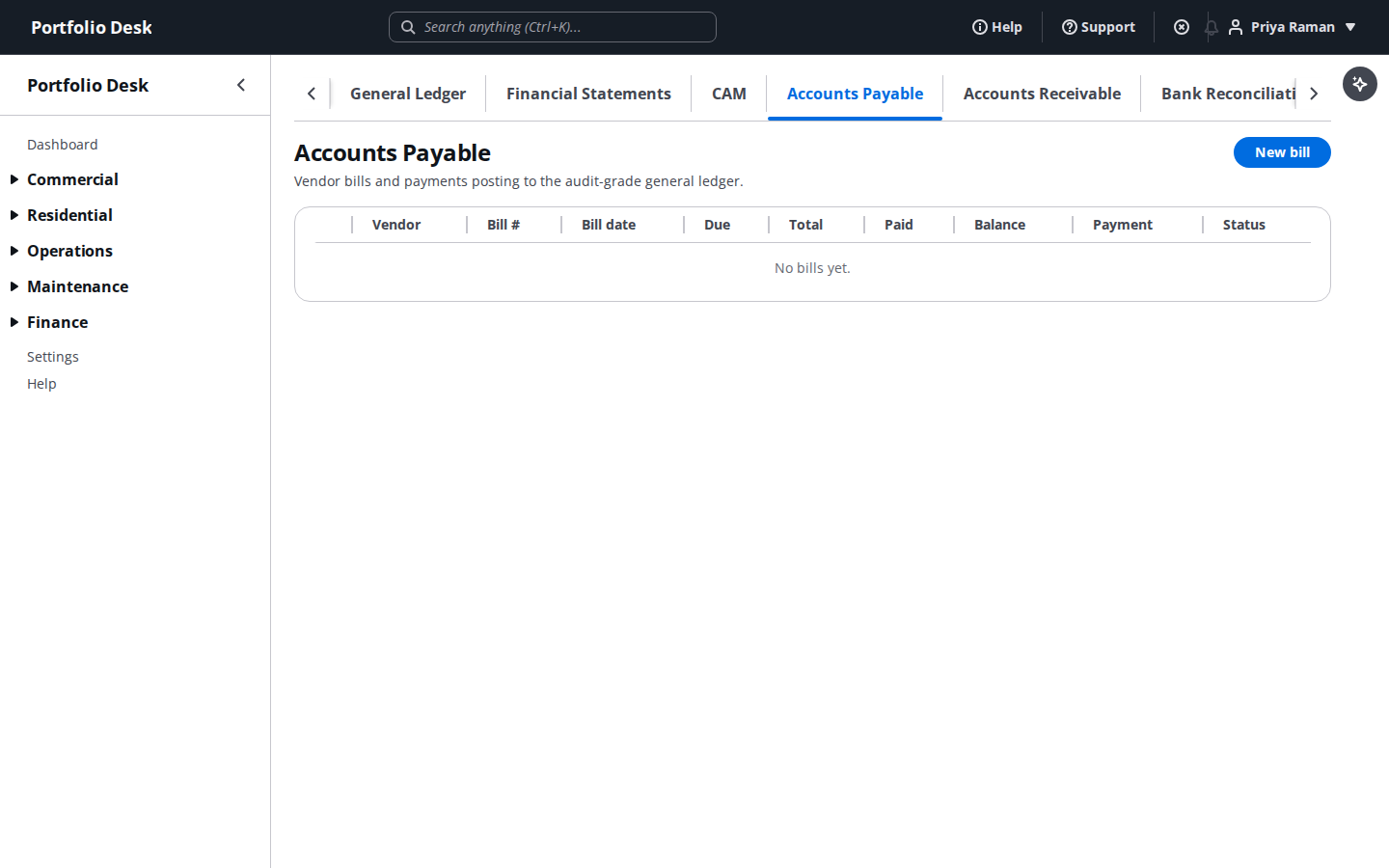
Manage accounts payable
Enter vendor bills and record payments — each one posts straight to the general ledger automatically.
- 4
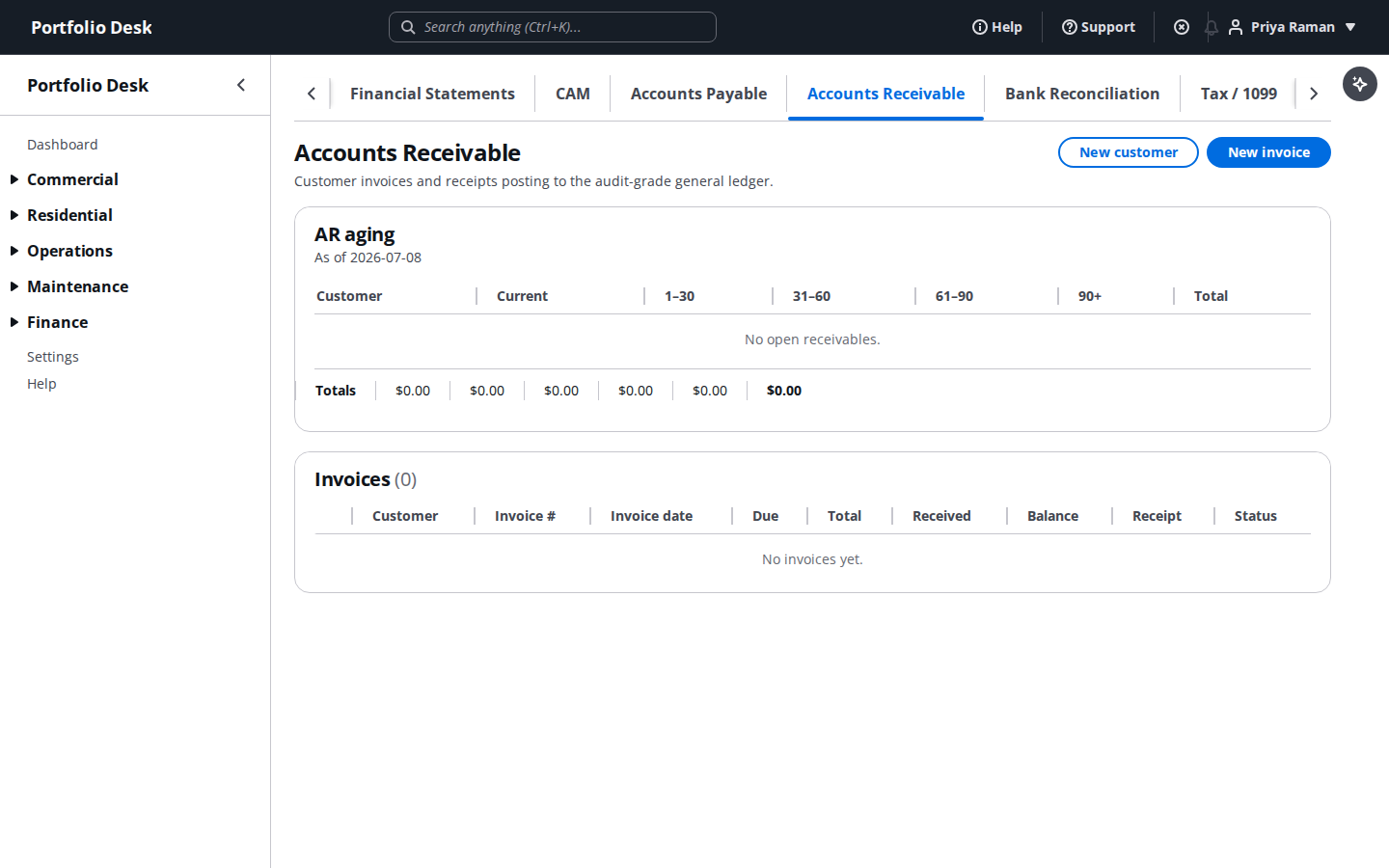
Manage accounts receivable
Track tenant billing and outstanding receivables across the commercial portfolio.
- 5
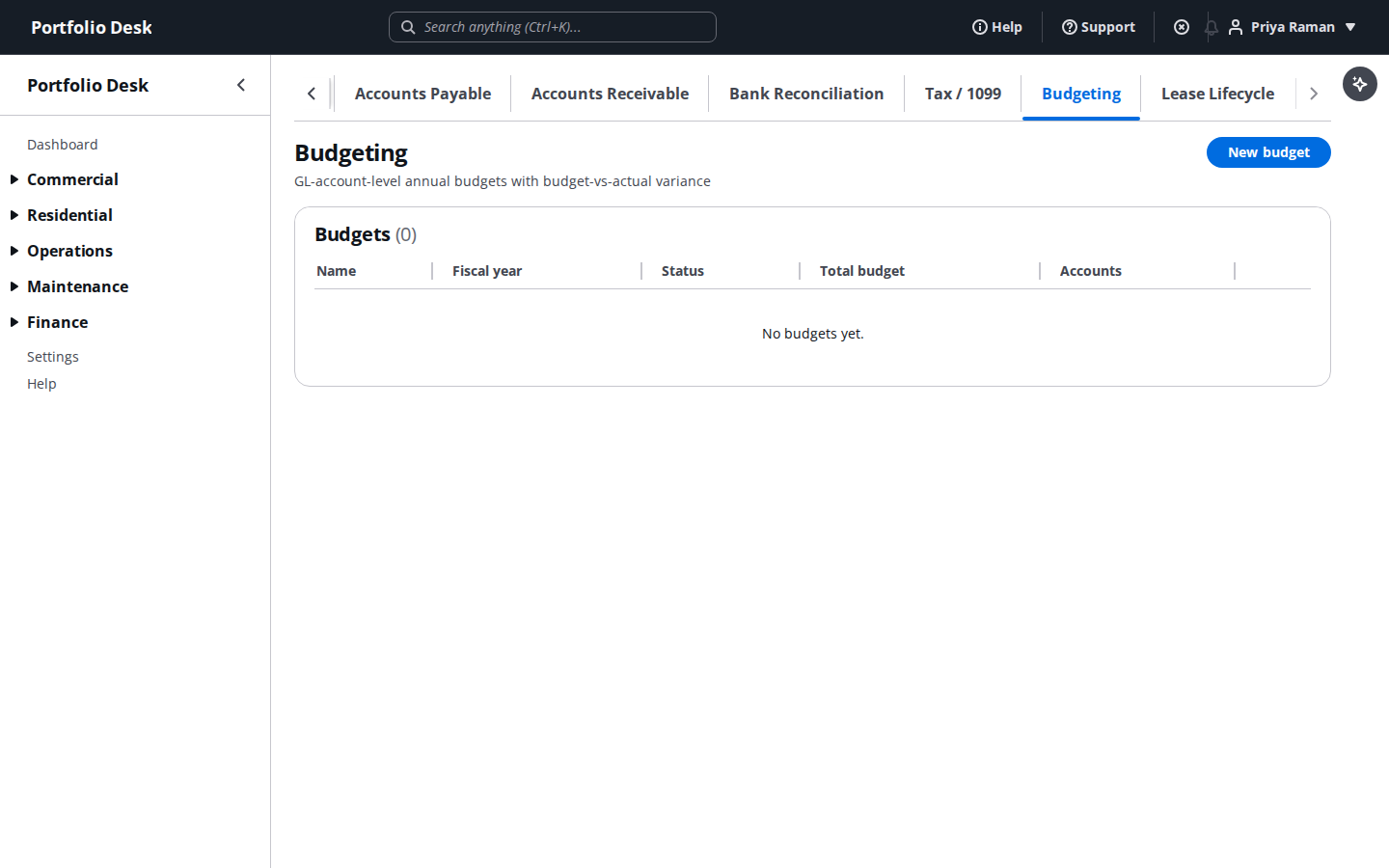
Compare budget to actuals
See how spending is tracking against budget for every office, updated as new transactions post.
- 6
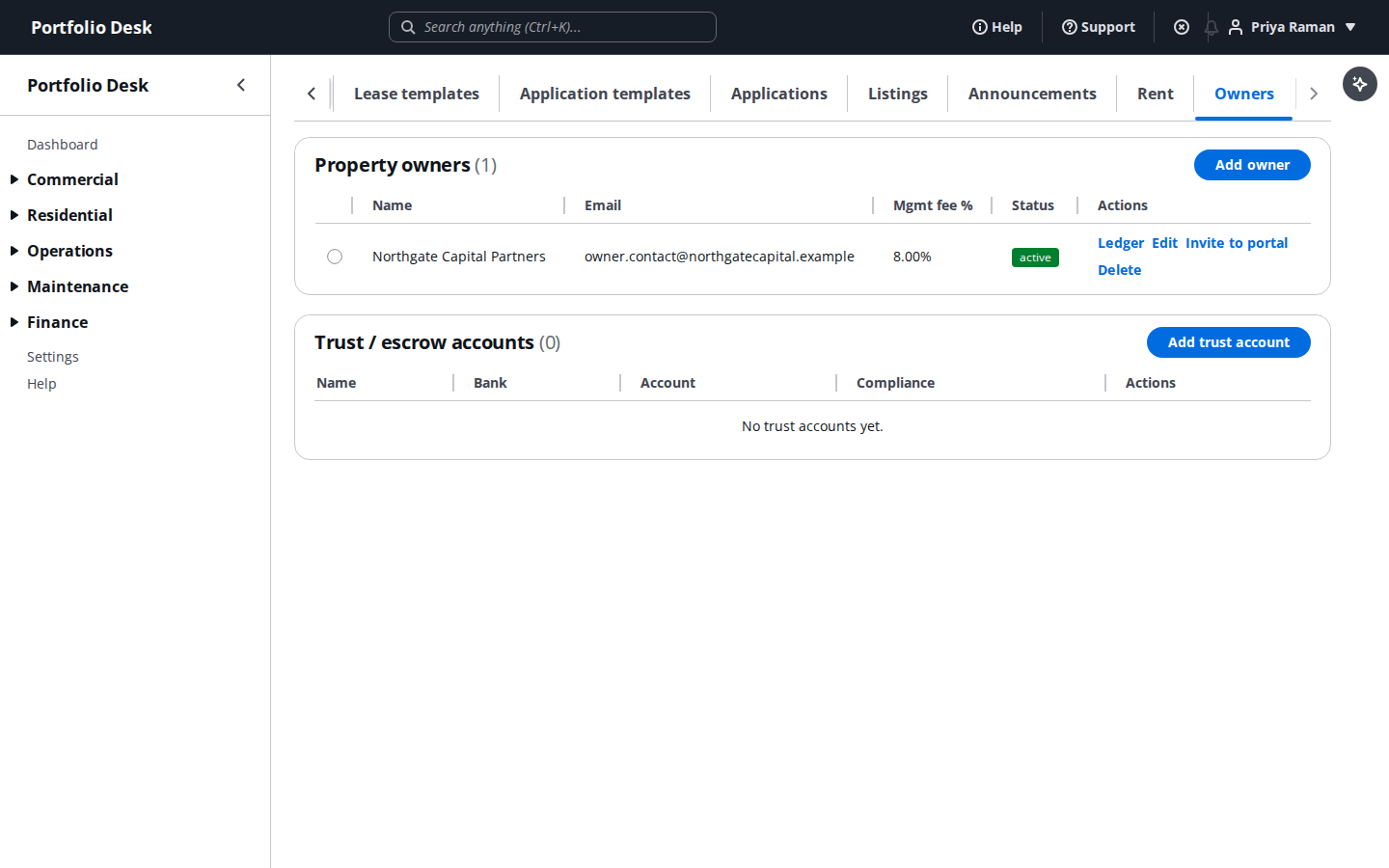
Handle owner / trust accounting
Manage owner statements and distributions for the residential properties you manage on their behalf.
- 7
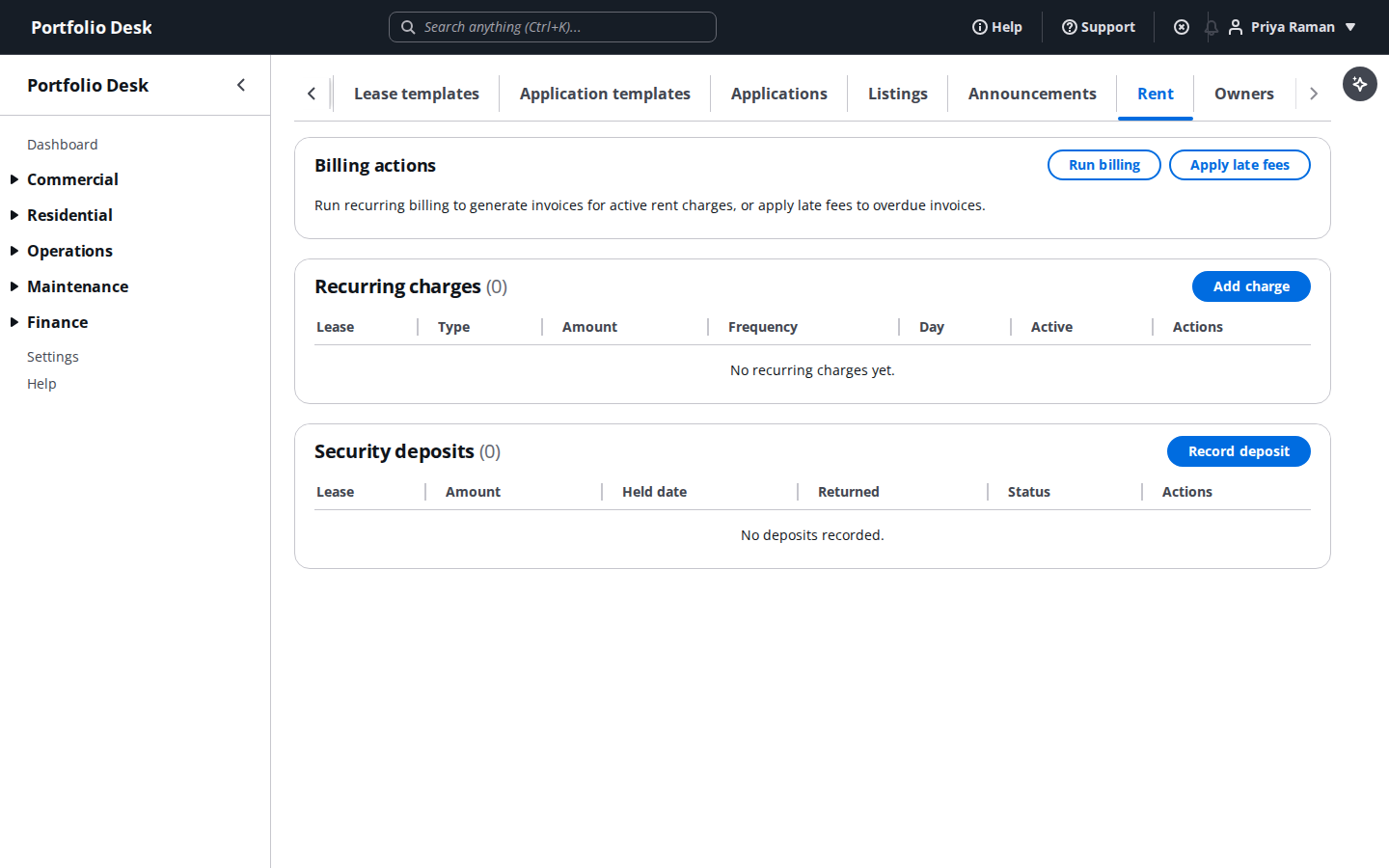
Watch the rent collection dashboard
See rent collected, outstanding, and overdue across every residential unit in one dashboard.
Owner statements generated here are exactly what the property owner sees in their own Owner Portal — see that guide for their side of it.