- 1
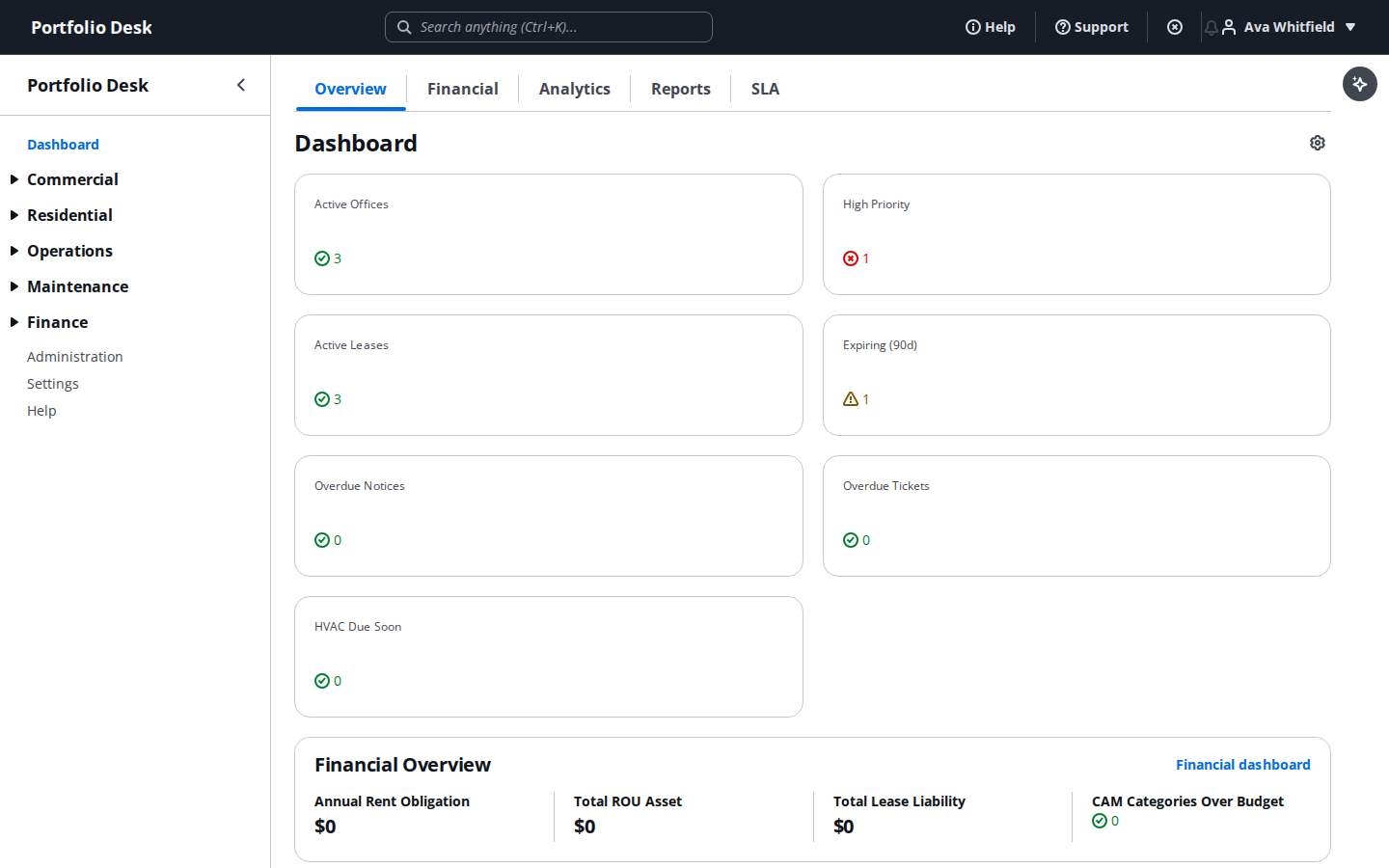
Start from the portfolio dashboard
The dashboard hub is what every user lands on after login — a portfolio-wide snapshot of financials, tickets, and lease activity.
- 2
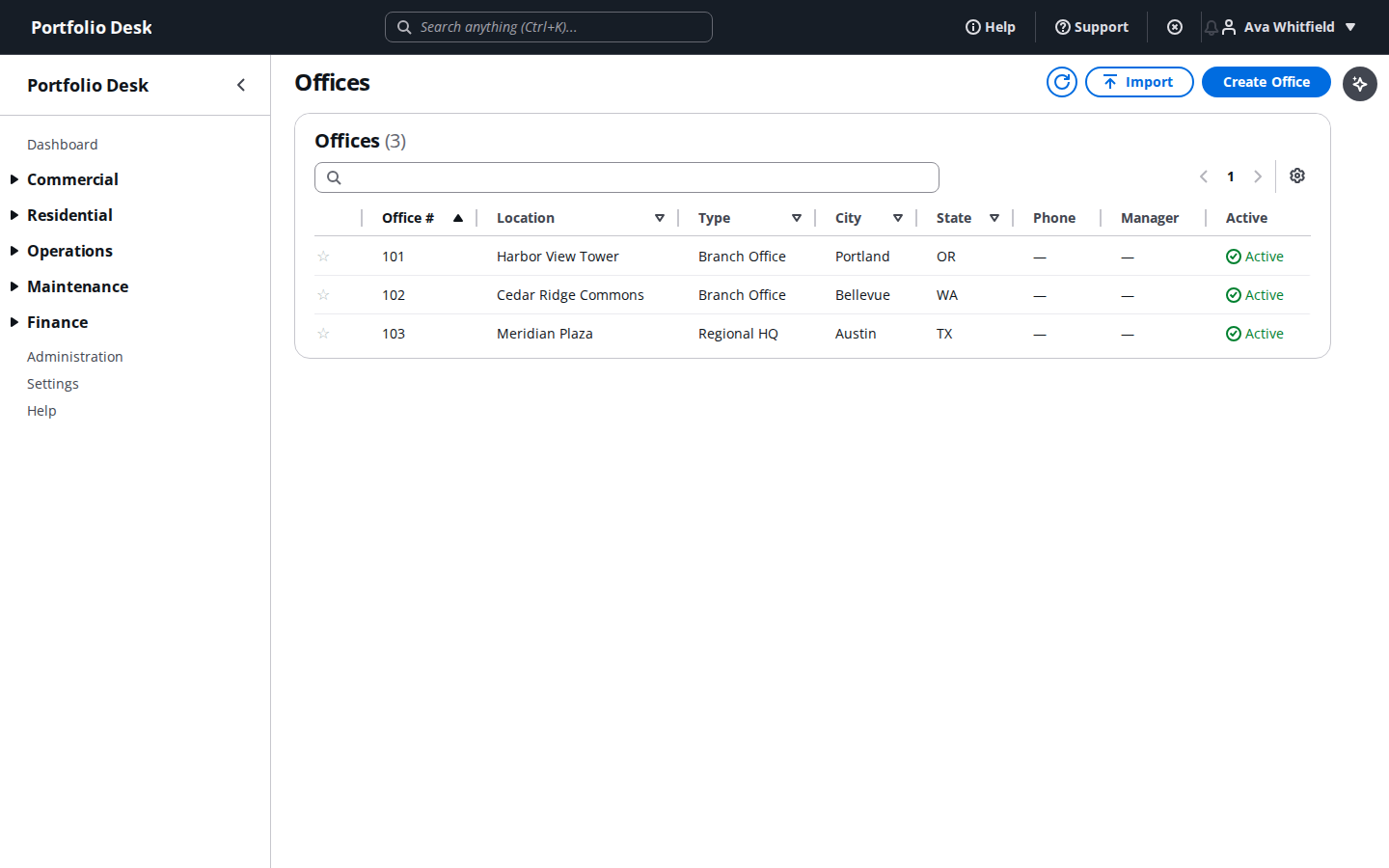
Set up your offices directory
Create and organize every office in the portfolio — the anchor that leases, tickets, vendors, and HVAC records all attach to.
- 3
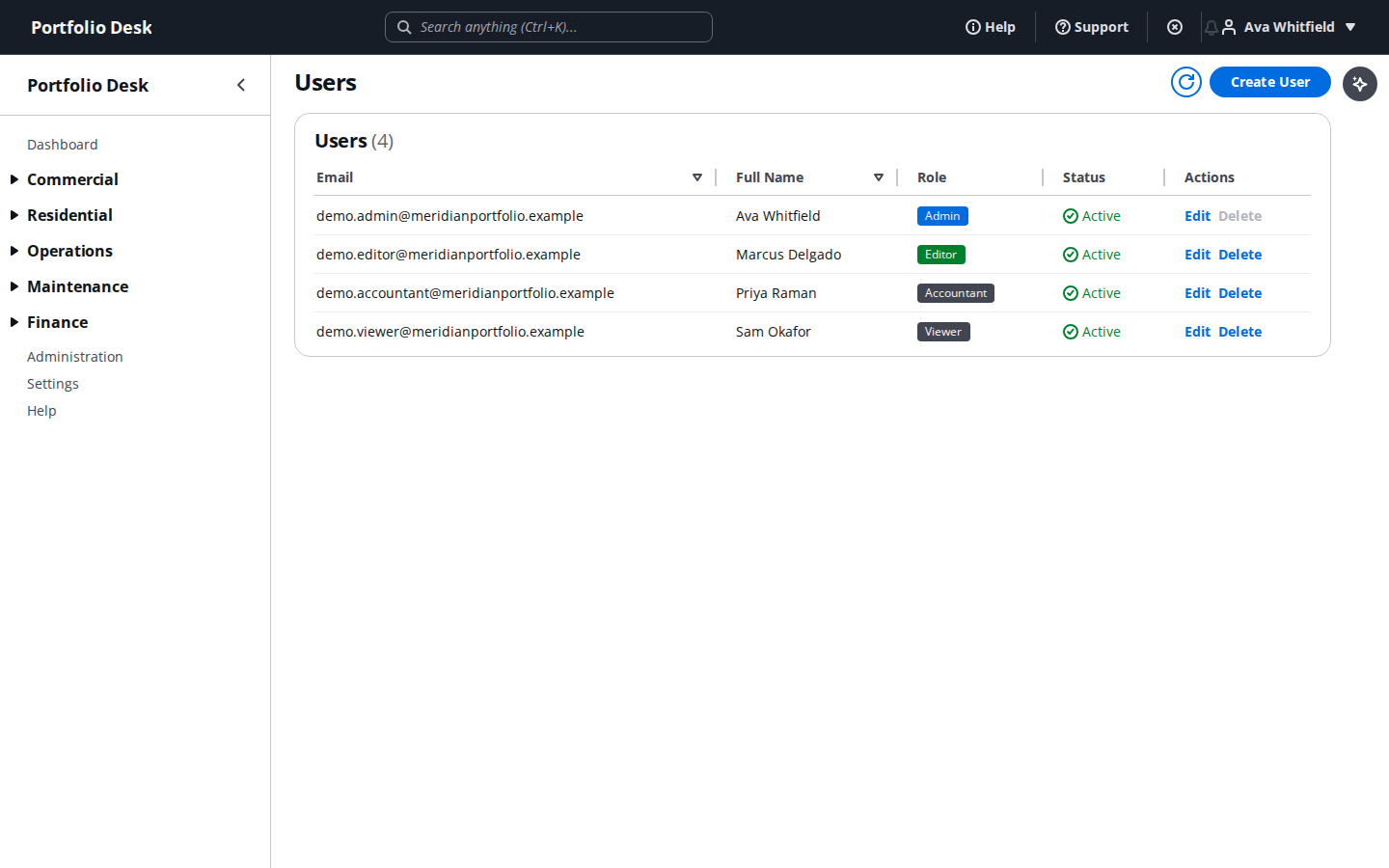
Invite your team and assign roles
Invite teammates by email and assign each one admin, editor, accountant, or viewer — every plan includes unlimited users.
- 4
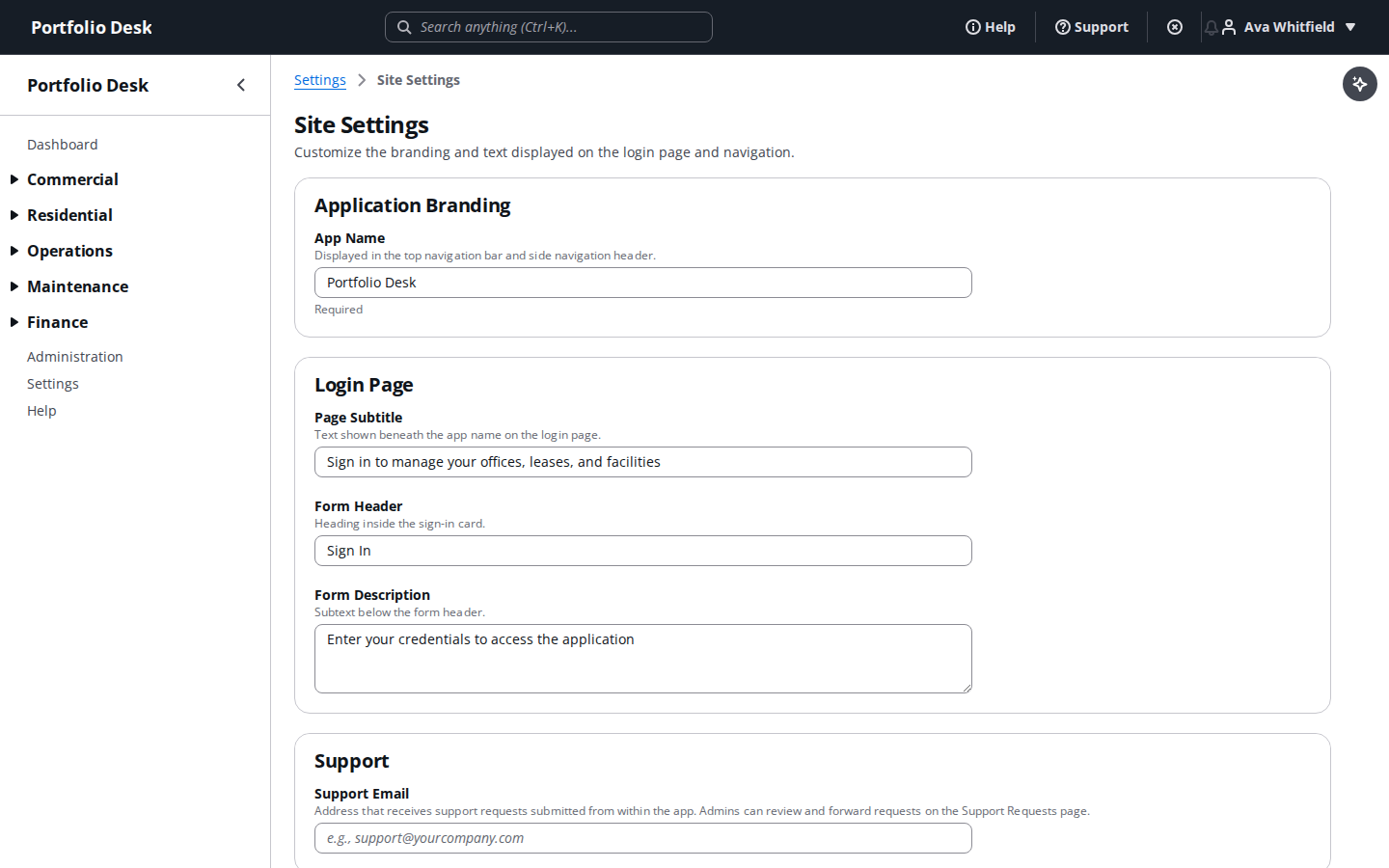
Configure organization site settings
Set your organization-wide preferences and branding from one place.
- 5
Issue API keys
Generate scoped API keys for integrations that need to read or write portfolio data programmatically.

- 6
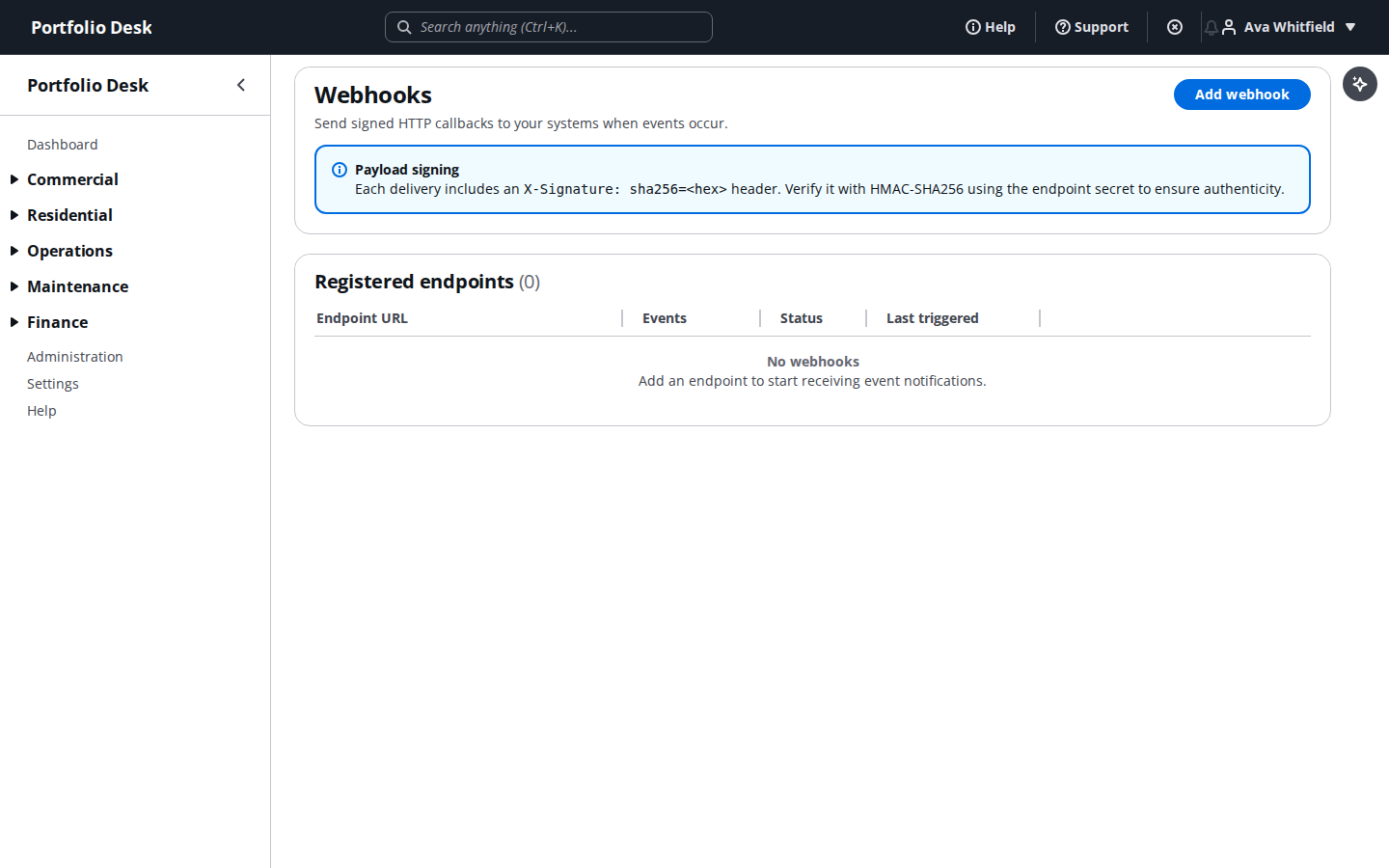
Subscribe to webhooks
Register webhook subscriptions so your own systems get notified the moment something changes in Portfolio Desk.
- 7
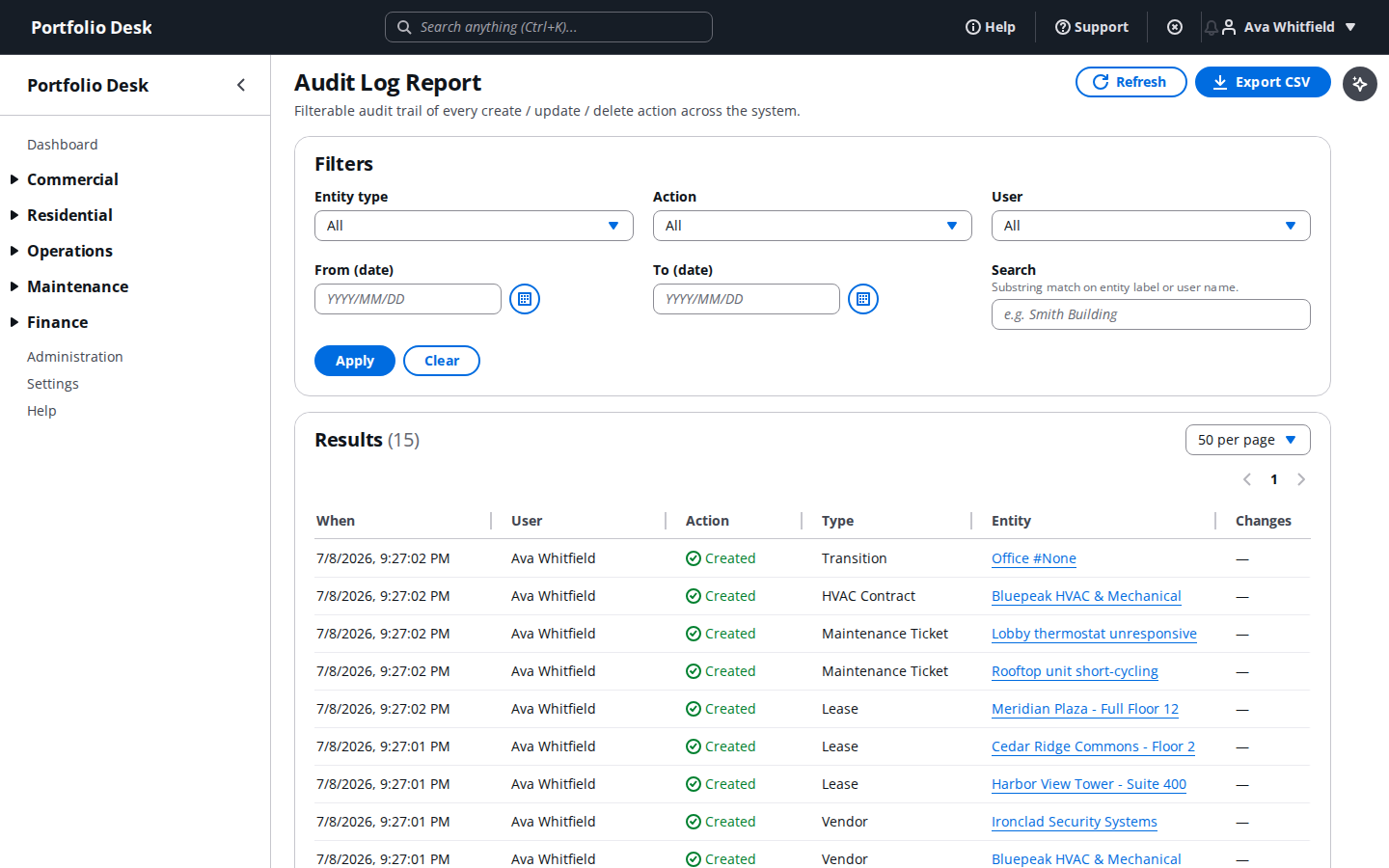
Review the activity log
Every create, update, and delete across the organization is recorded here — a full, exportable audit trail.
Set up one representative office end-to-end before inviting the rest of the team — it makes every other guide in this series click into place faster.