- 1
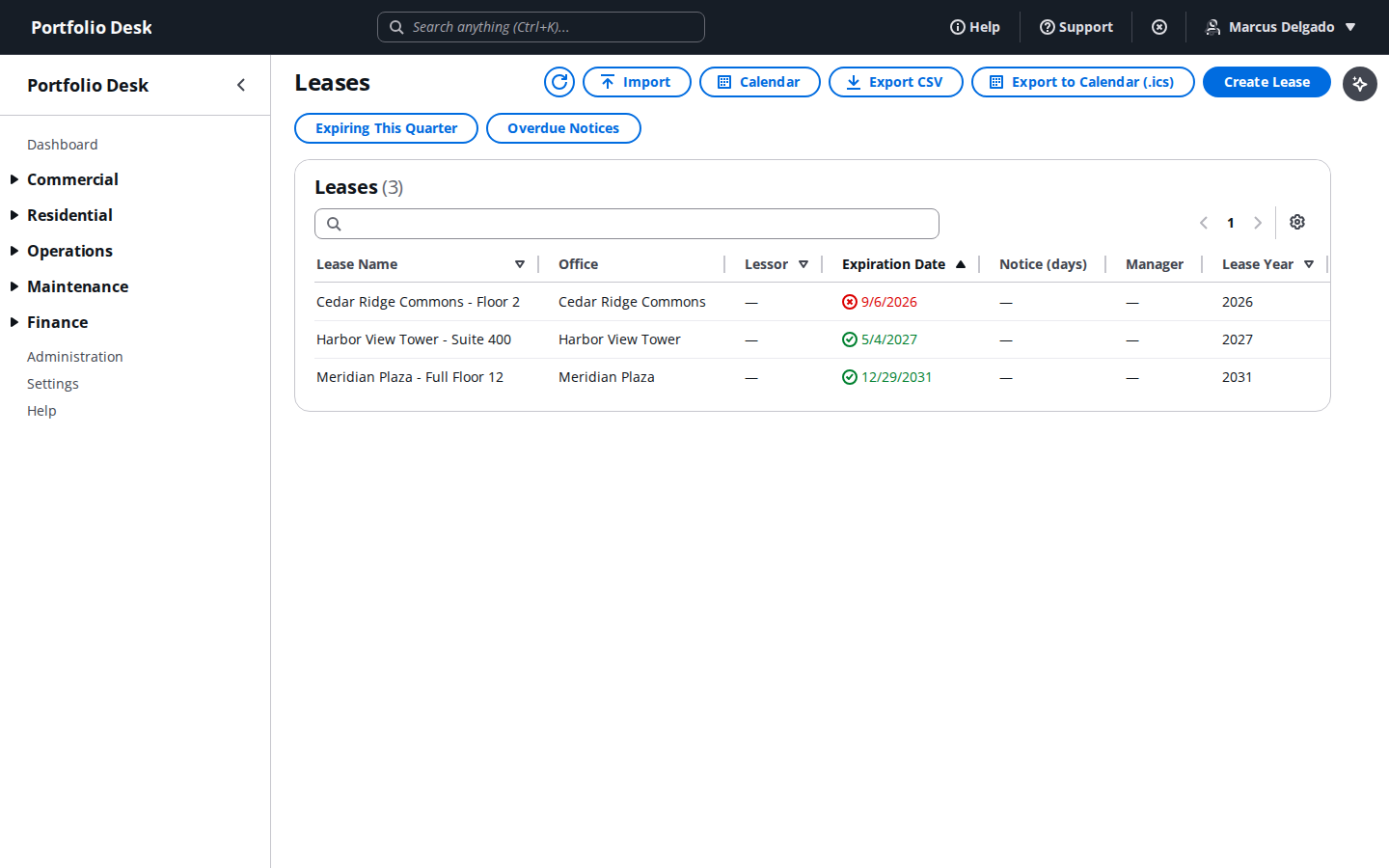
Work the lease register
Browse every lease in the portfolio, filter by status, and jump into any record for its full detail.
- 2
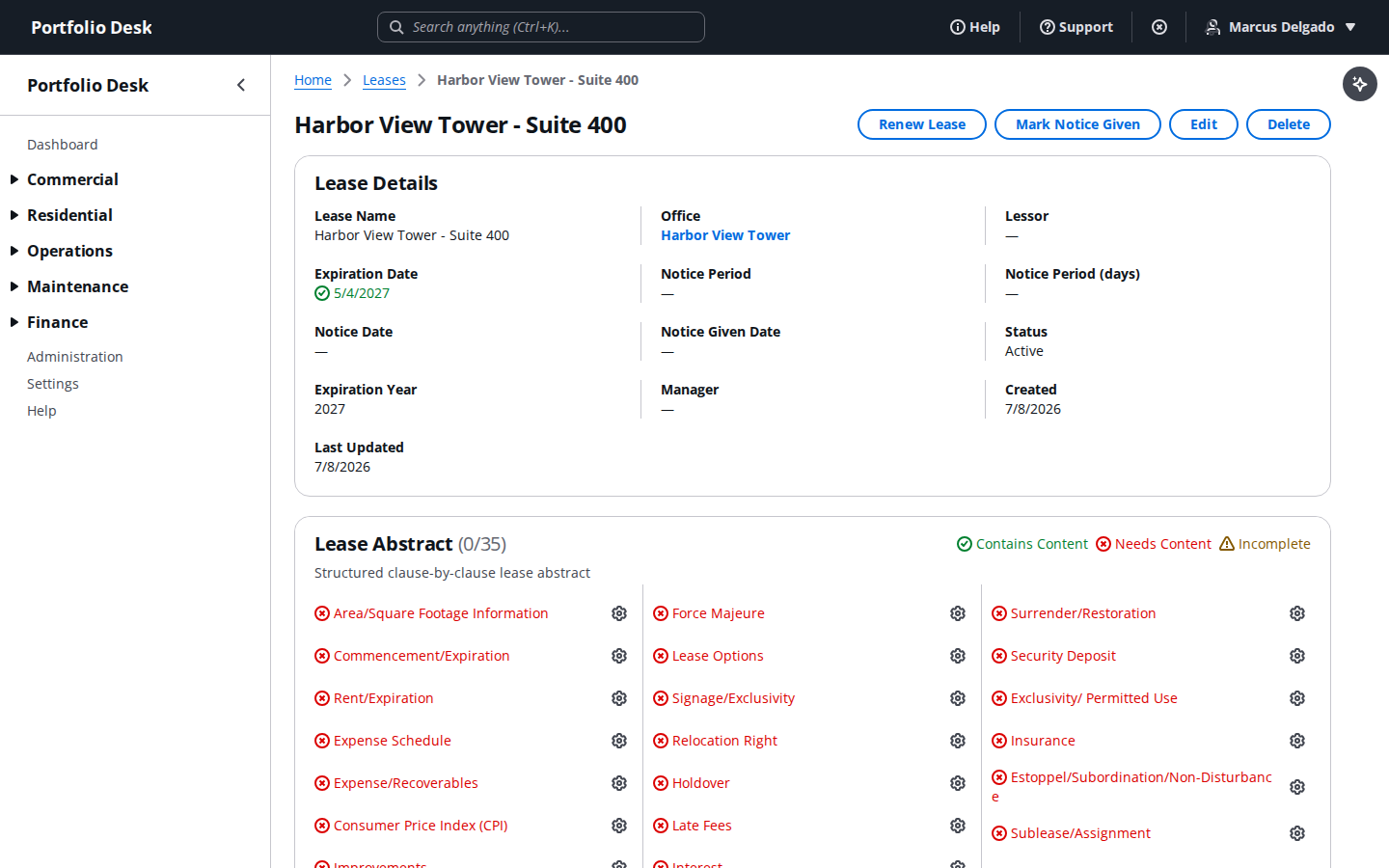
Open a lease detail page
Review key terms, dates, and attached documents for a single lease, and edit any field directly.
- 3
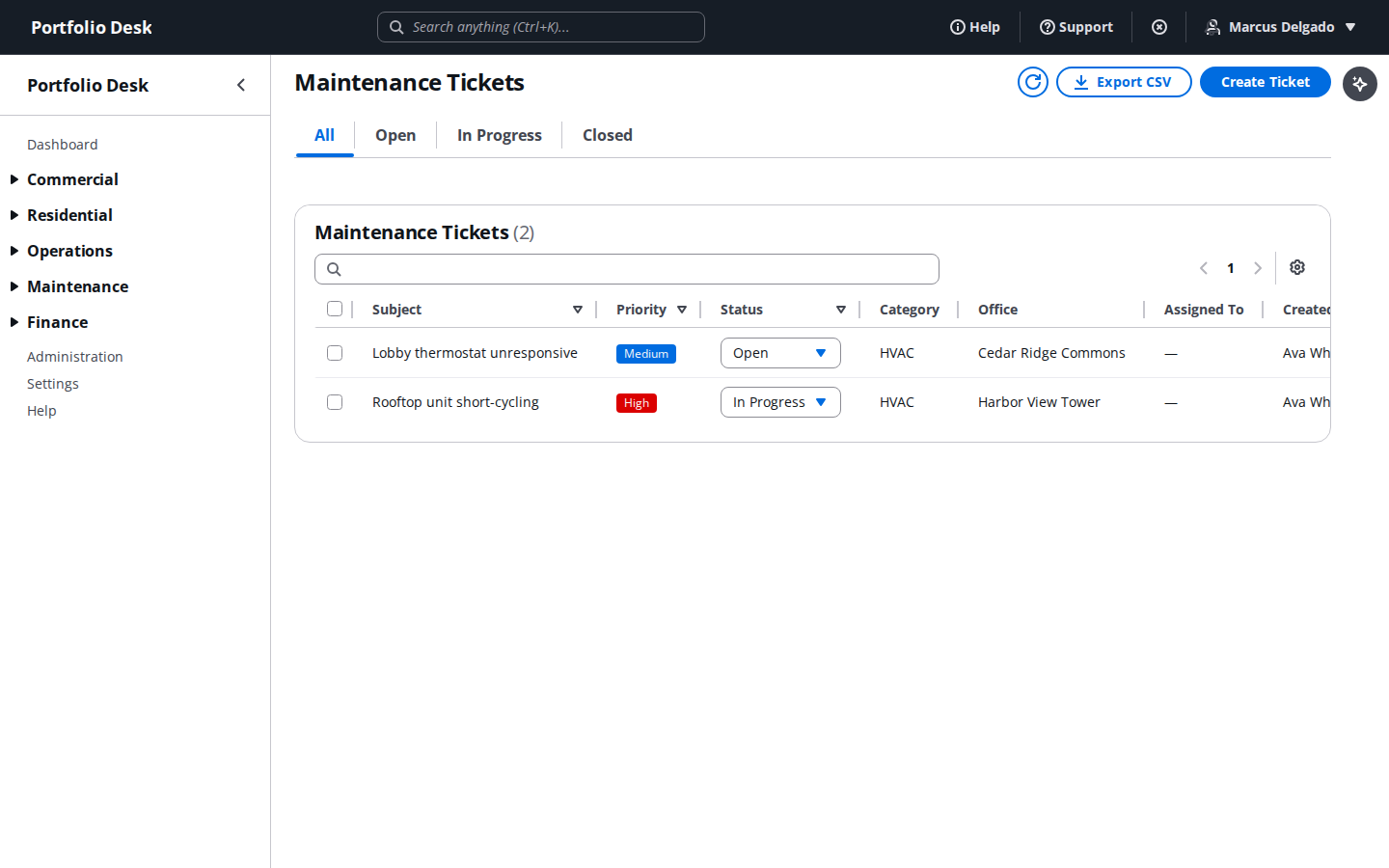
Triage the maintenance ticket queue
See every open work order, its priority, and its SLA countdown, and assign a vendor straight from the list.
- 4
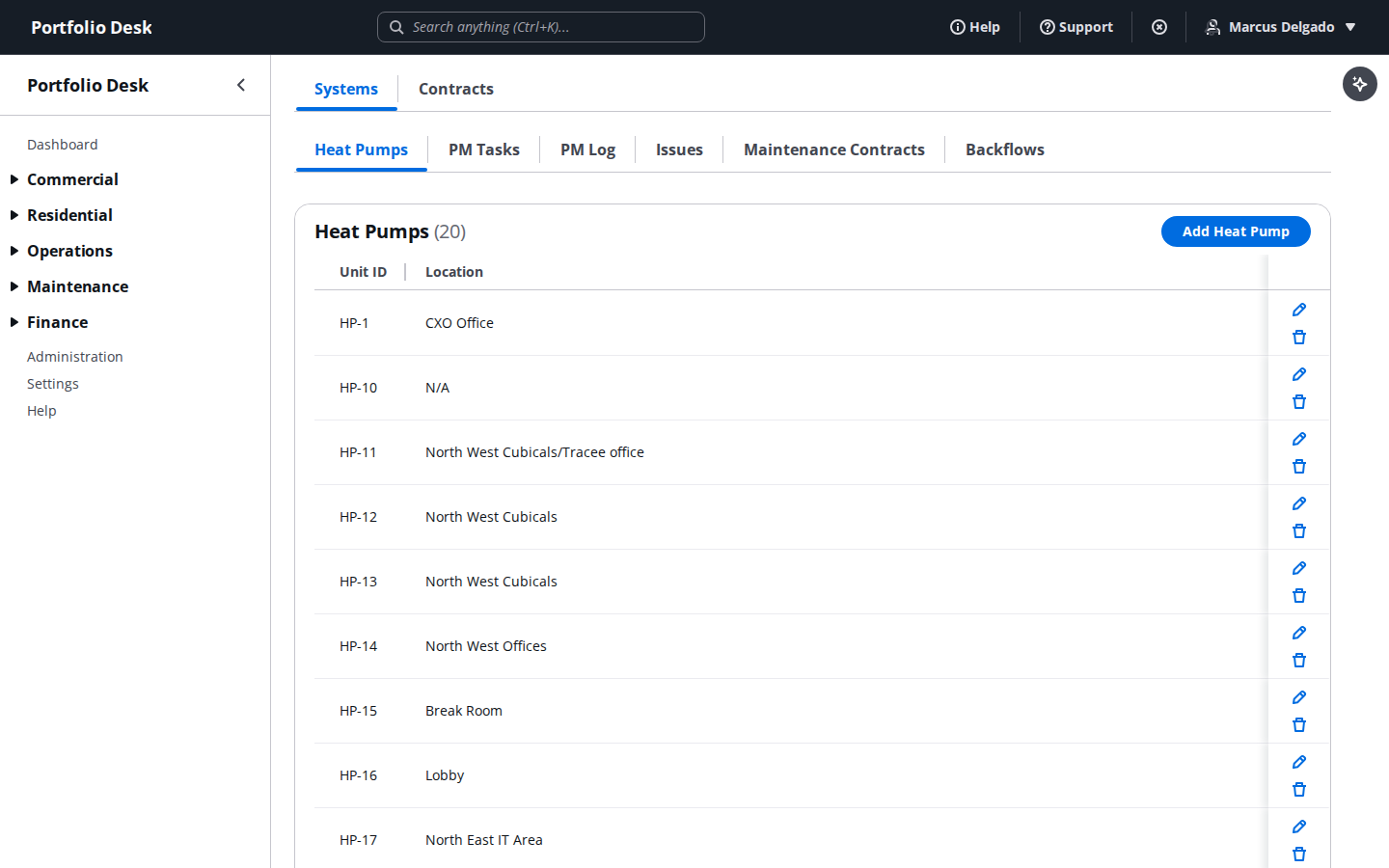
Track HVAC contracts
Keep equipment and service contracts organized by office, with renewal dates visible at a glance.
- 5
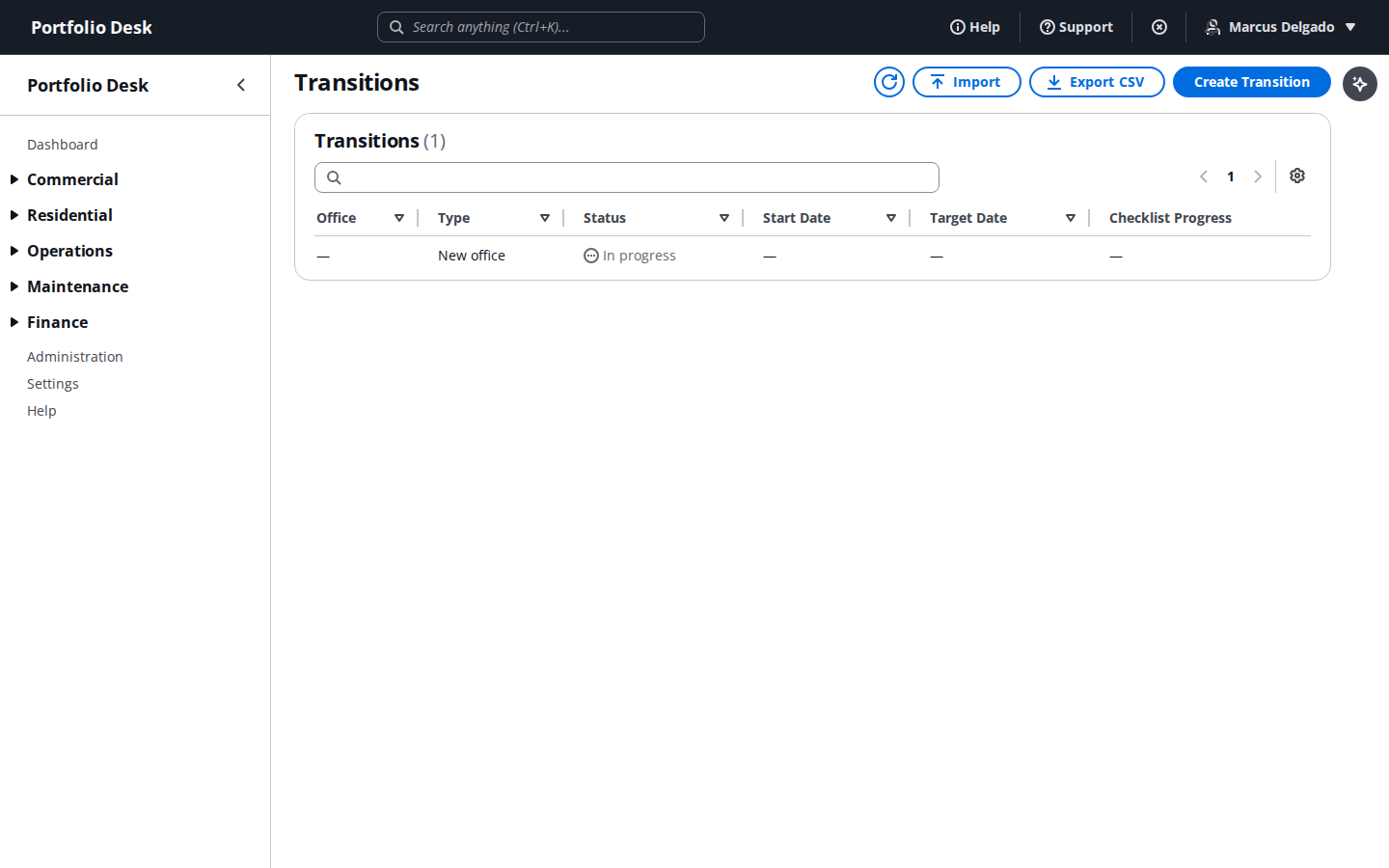
Run an office transition checklist
Move an office through a structured transition — move-in, move-out, or ownership handoff — without missing a step.
- 6
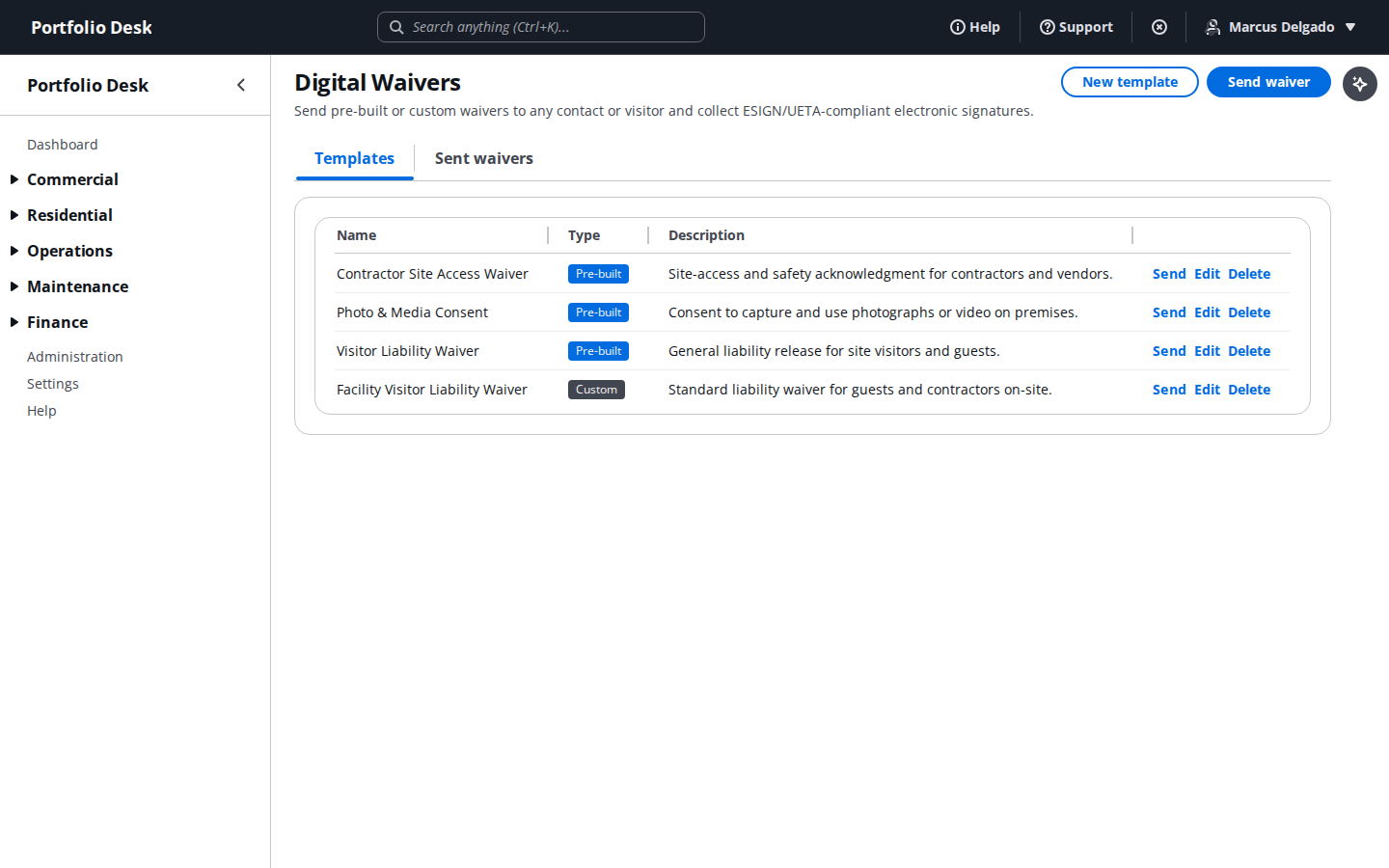
Build a digital waiver template
Create a reusable waiver template ready to send for e-signature — liability, photo release, or your own custom form.
- 7
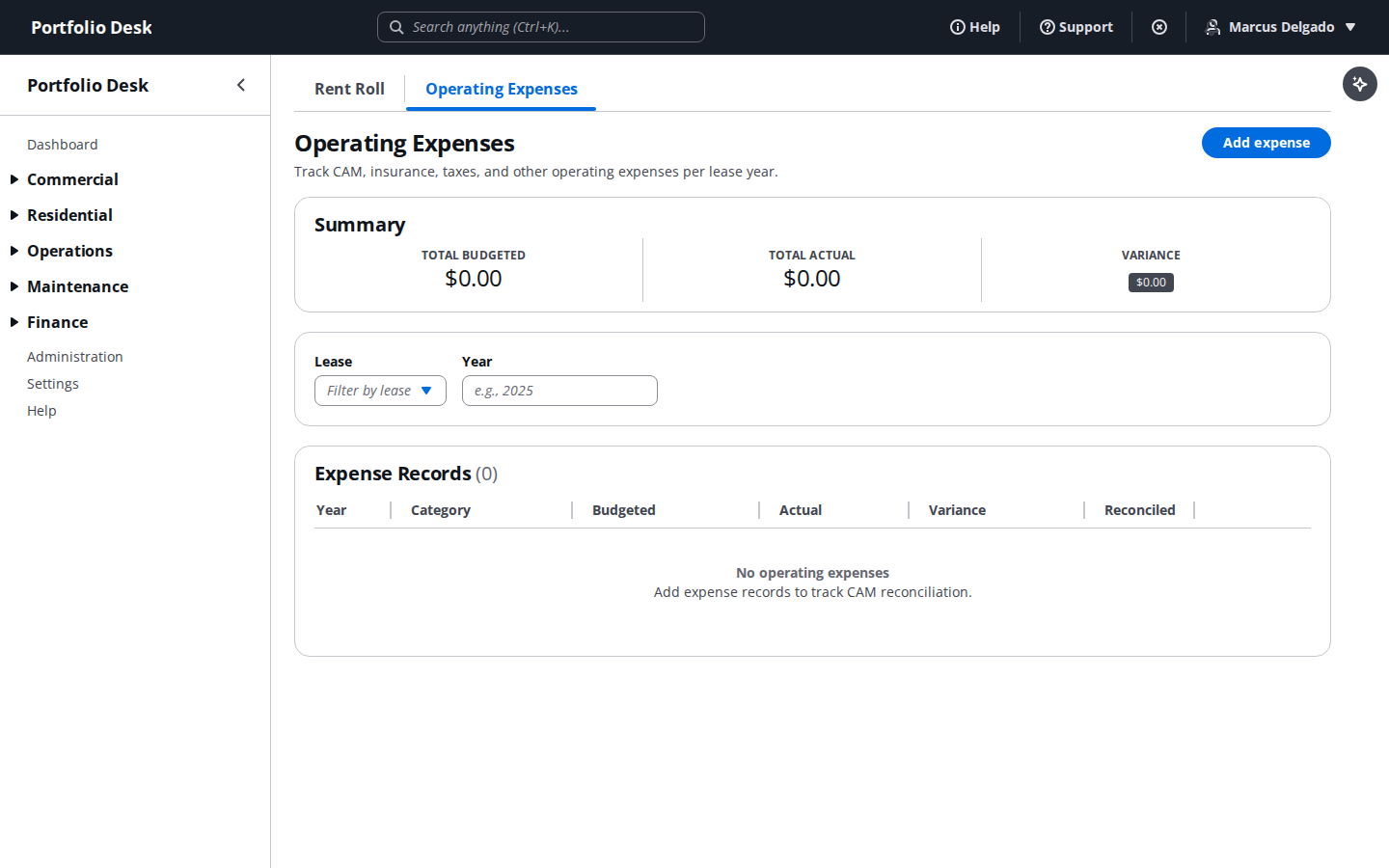
Track operating expenses
Log and categorize day-to-day operating expenses against the right office, ready for the accounting team to reconcile.
- 8
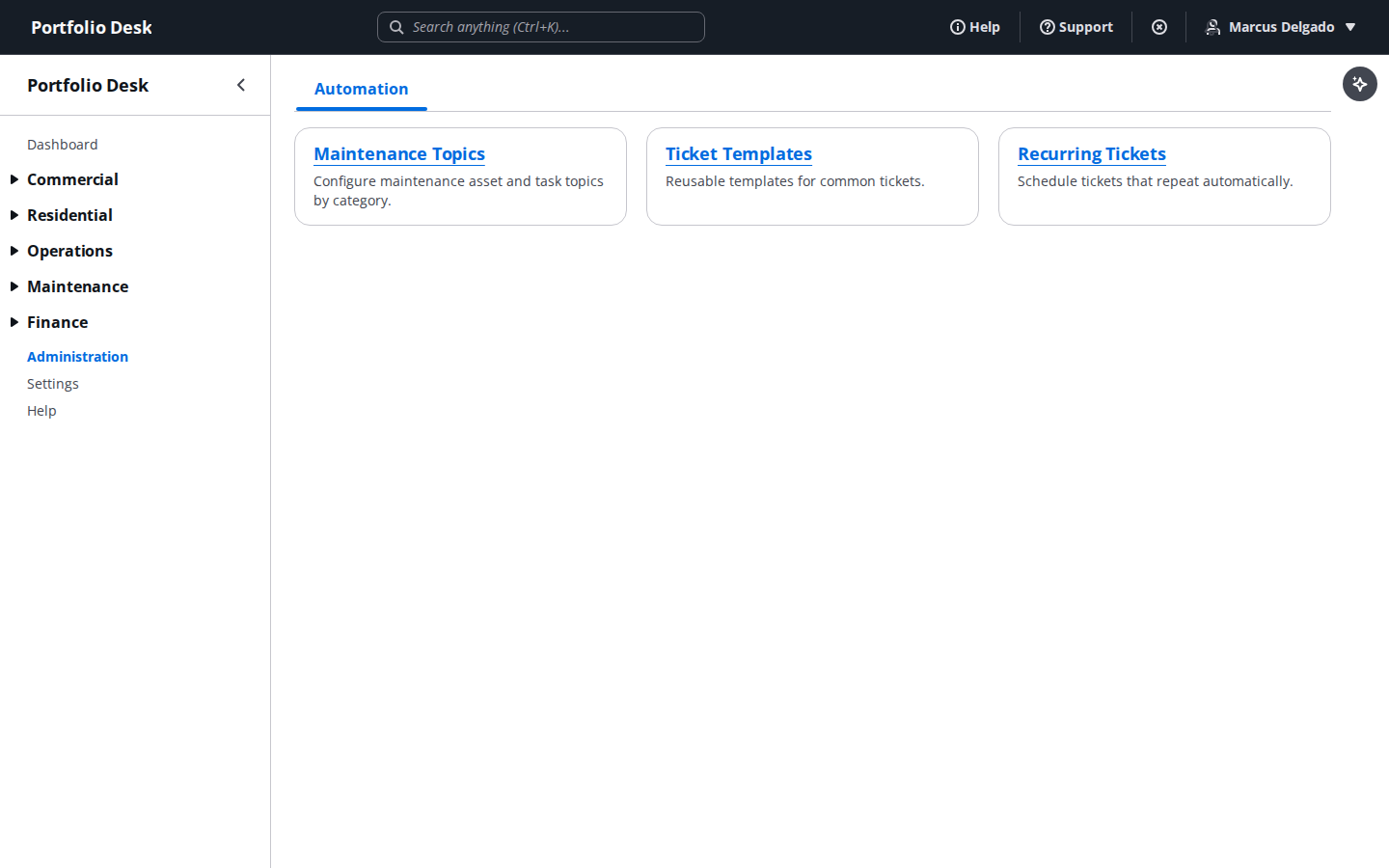
Use the administration hub
The administration area centralizes automation rules, integrations, and system configuration for editors and admins alike.
- 9
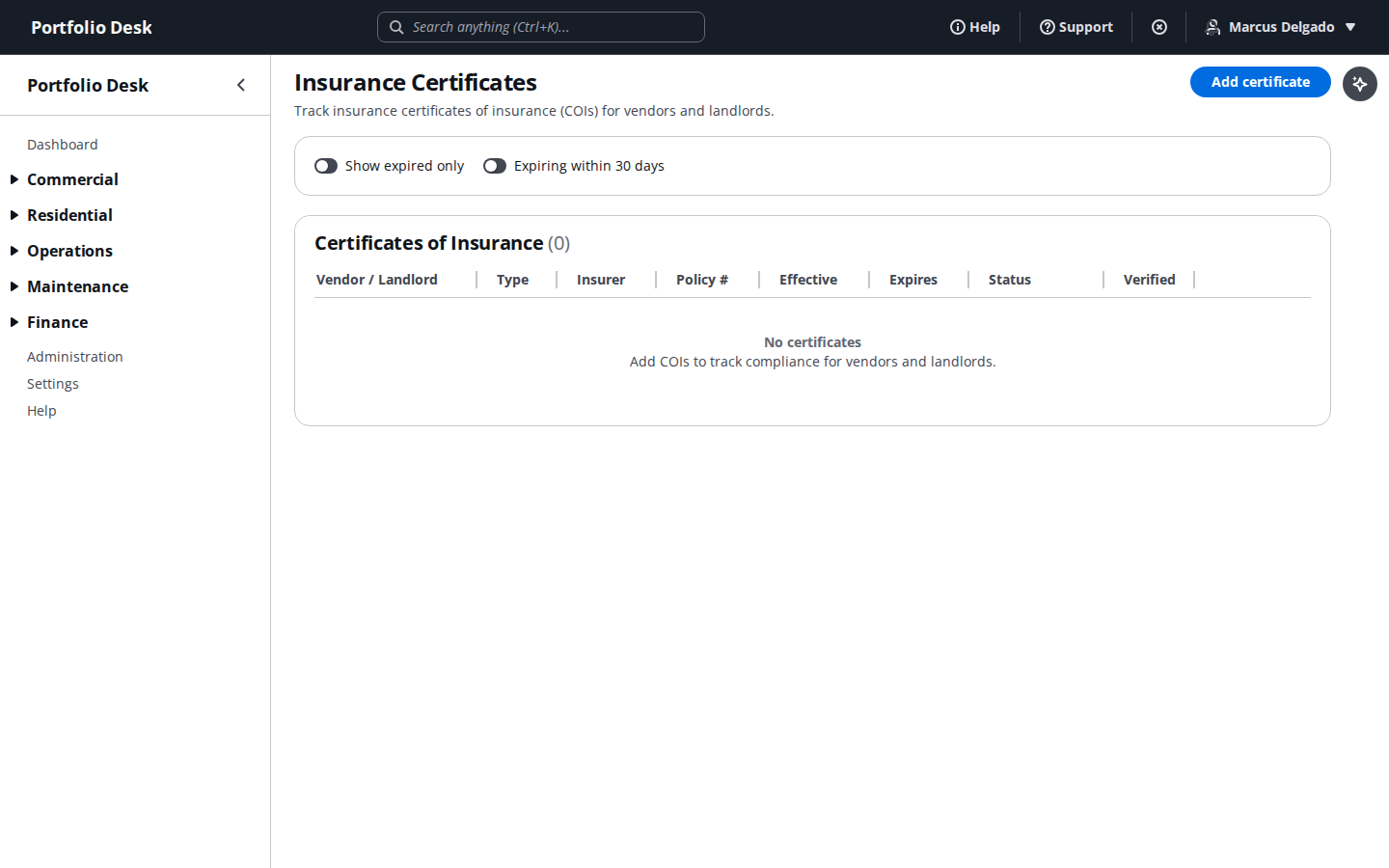
Track certificates of insurance
Keep vendor and landlord insurance certificates on file, with expiration and verification status visible at a glance.
Assign a vendor to a ticket and they get their own portal login automatically — see the Vendor Portal guide for what they see on their end.