app.portfoliodesk.io/dashboard
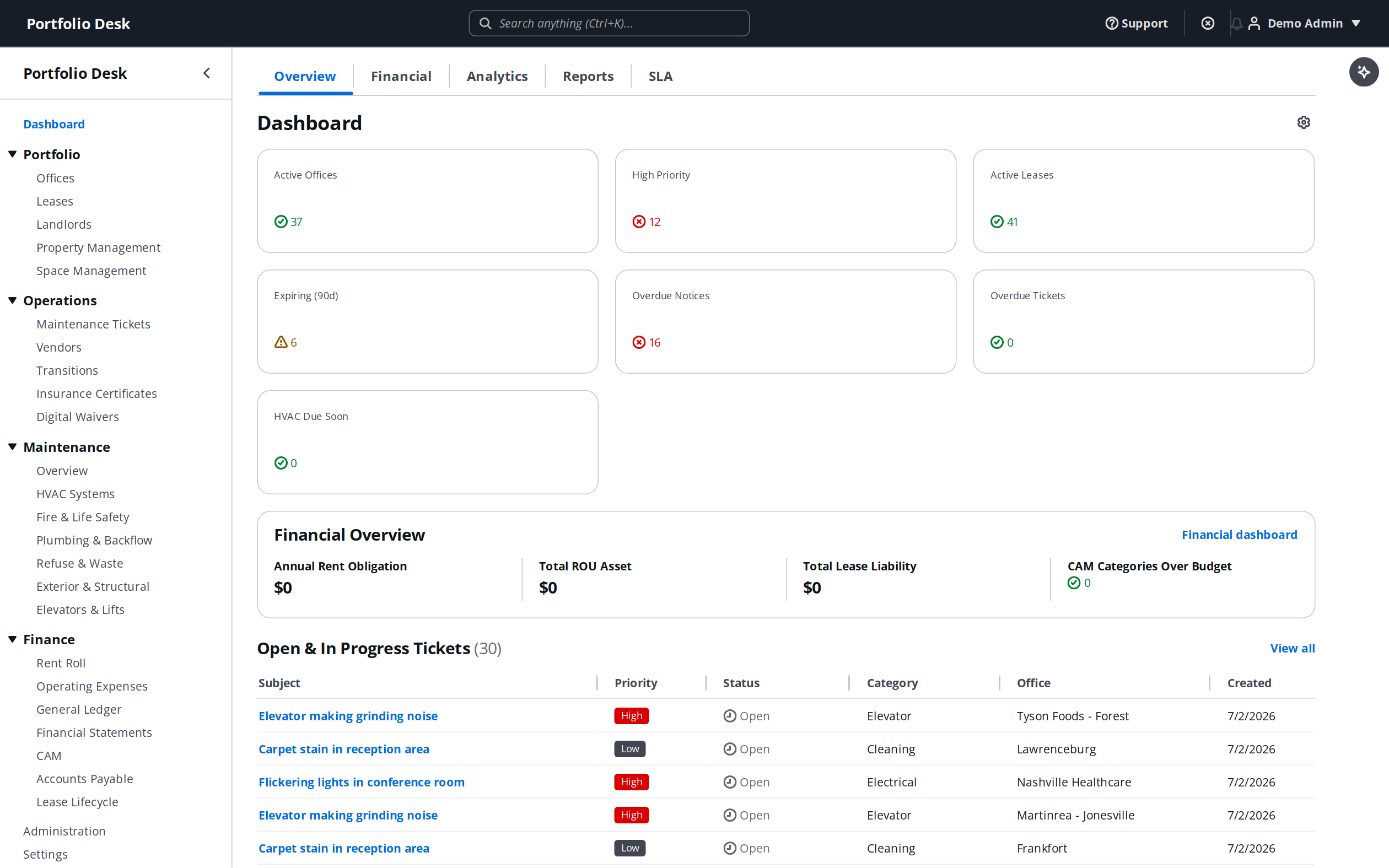
- 1
Create your workspace
Start your free trial and name your workspace. Portfolio Desk spins up an isolated, multi-tenant environment for your organization — no credit card required.
- 2
Add your first office
Create an office with its address, square footage, and landlord. This becomes the anchor that leases, tickets, vendors, and HVAC records attach to.
- 3
Invite your team
Send email invites and assign roles — admin, editor, or viewer. Every plan includes unlimited users, so bring the whole facilities team in.
- 4
Set your first alert
Turn on notifications for lease expirations and maintenance SLAs so the right person is emailed before a deadline, not after.
Pro tip
Start with one representative office end-to-end before bulk-importing. It makes the patterns obvious and the import that follows much faster.