app.portfoliodesk.io/leases
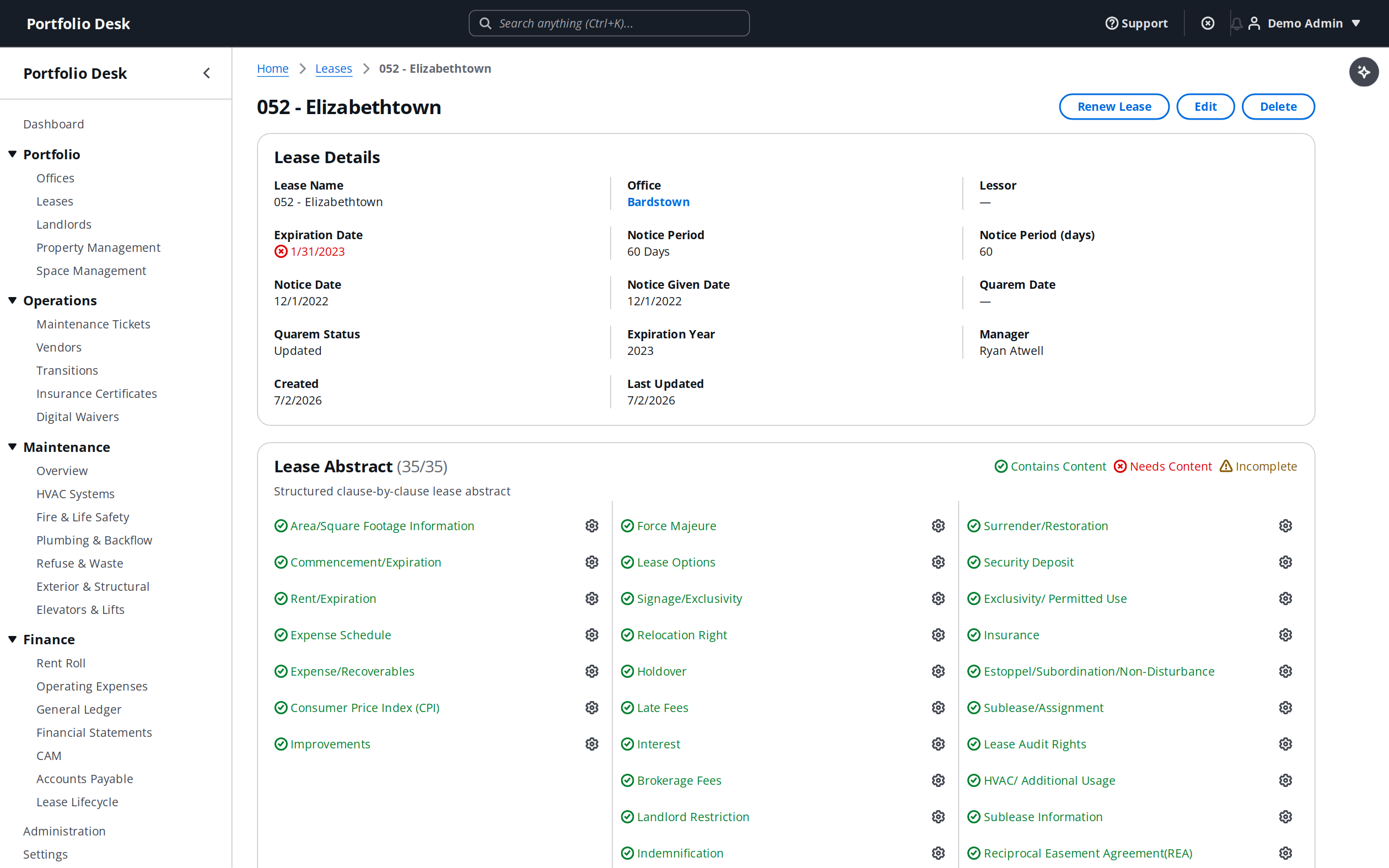
- 1
Prepare your spreadsheet
Export your current tracker to CSV. Any column layout works — you will map fields in the next step, so there is no rigid template to match.
- 2
Map your columns
Upload the CSV and match each column to a lease field: tenant, premises, commencement, expiration, base rent, escalation, and notice window.
- 3
Attach the source documents
Upload the lease PDFs to each record. Documents are stored on the lease and become fully searchable across your portfolio.
- 4
Let AI fill the gaps
Run AI extraction on an uploaded lease to auto-populate any missing key terms, then review the suggested values before saving.
Pro tip
Numeric and AI-suggested financial values are coerced safely — out-of-range or non-numeric entries are dropped rather than breaking the import.